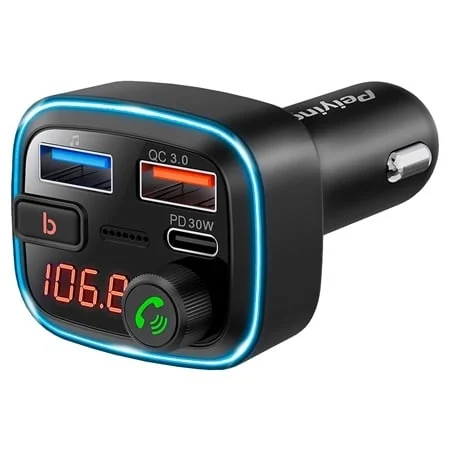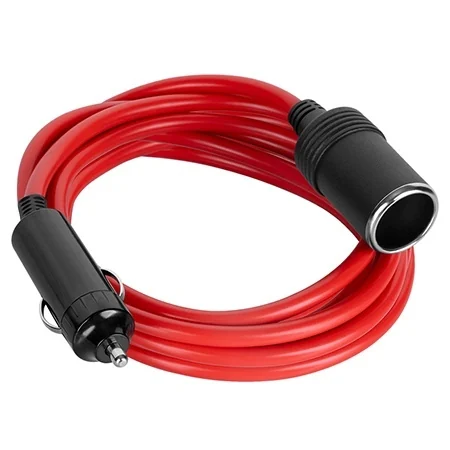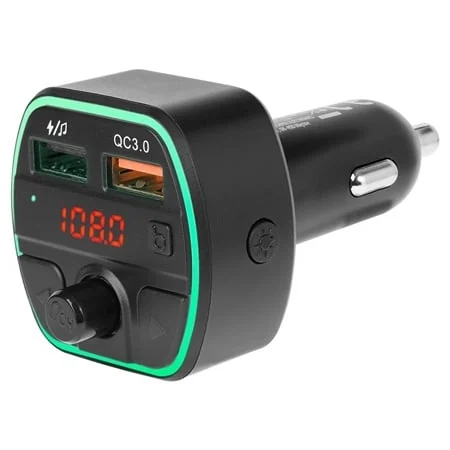

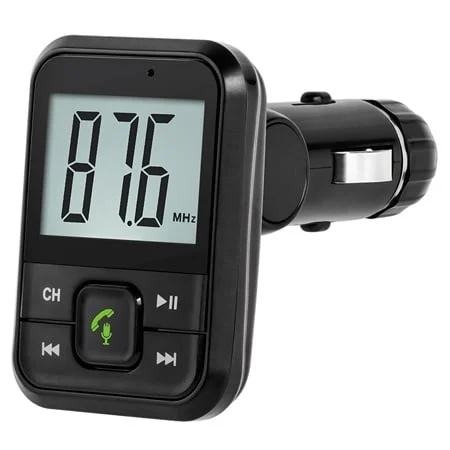
FM audio modulator bluetooth USB
139.61 RON 111.69 RONVAT included
Lowest price in the last 30 days: 139.61 RON
Car accessories
Product code: URZ0467-1
In stock
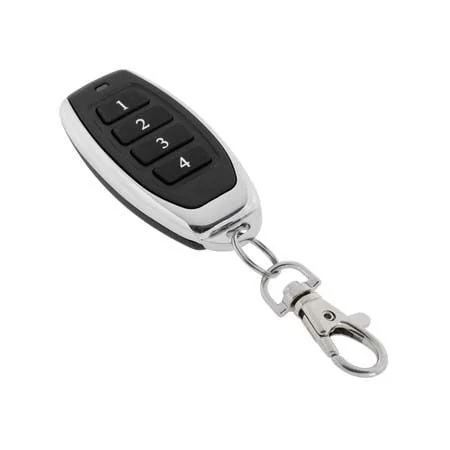
Programmable remote control for gate automation, 4 buttons, compatible with Beninca devices. The remote control must be programmed to work in the same way as the original remote control: 1.
Programmable remote control for gate automation, 4 buttons, compatible with Beninca devices. The remote control must be programmed to work in the same way as the original remote control: 1. Press the desired button on the PIL0402 remote control for 5-6 seconds. 2. Press the button on the working Beninca remote control three times, one sequence every 2 seconds (hold the remote control button down for one second, pause for one second, hold the remote control button down for one second... etc.). 3. Then press the button of the PIL0402 remote control for one second. After about 10 seconds, the remote control will work. Note: During programming, you must be within range of the receiver (next to the gate). You can also program the remote control directly on the radio receiver. To do this, press the learning button on the radio for one second and then the button of the desired remote control for three seconds.
No imported reviews for this product.